Connecting TikTok
TikTok connects through a secure sign-in, but what arrives from it today is not everything that will arrive later. Read this before concluding the connection is broken.
What actually arrives today
| Status | |
|---|---|
| TikTok lead-form leads | Arrive and join your sales pipeline |
| Direct messages | Awaiting TikTok approval for the Business Messaging API |
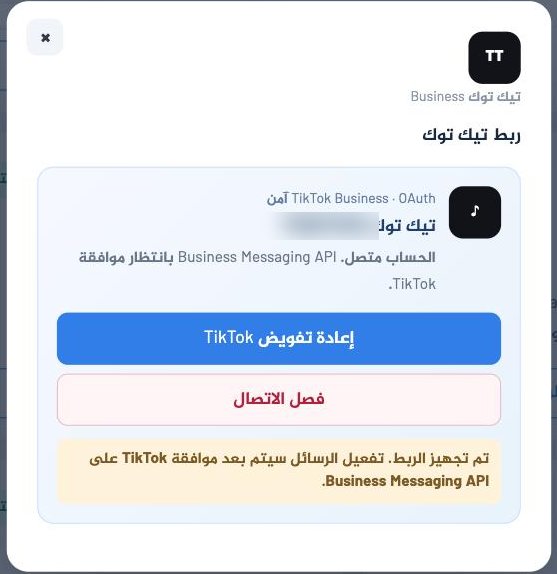
Why does it say "connection ready" while no messages arrive?
Because our side is genuinely complete; what remains is a decision at TikTok, not with us or with you. When approval is granted, messages start arriving with no action from you.
Steps
- Integrations → the TikTok card → Manage connection.
- Press Continue with TikTok.
- Sign in with a TikTok for Business account and approve the permissions.
If it does not work
Signed in, but the connection did not complete
Most likely the account is personal, not Business. Switch it in the TikTok app: Settings and privacy → Account → Switch to Business Account.
Leads are not arriving
Make sure the lead form belongs to the same business account you connected, not to another ad account.