
Connecting ITC-SEO
It links your website traffic to your customers inside the CRM. Instead of knowing that a thousand people visited, you know that this deal came from that campaign.
What it actually adds
- Traffic source, campaign and landing page are stored on the customer's own record.
- The SEO & analytics reports show visits and conversion side by side.
- You learn which content brings paying customers — not merely visitors.
Steps
- Integrations → the ITC-SEO card → Set up connection.
- Enter your ITC-SEO account email and password.
- Press Show ITC-SEO sites and choose the sites linked to this company.
- Press Test connection and save.
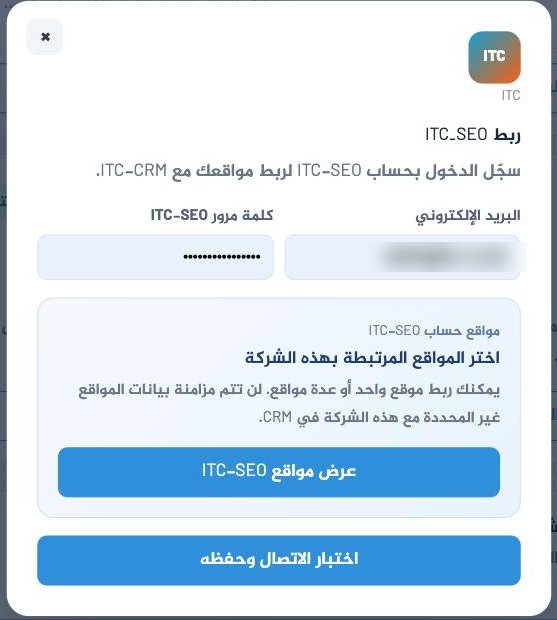
Choose the sites carefully
Sites you do not tick are not synced to this company. If you manage sites for different clients from one account, this choice is what keeps their data apart.
If it does not work
No sites appear
The account is valid but has no sites, or the sites sit under a different ITC-SEO account.
Data does not show in the reports
Syncing is not instant. Give it an hour, then confirm the site is ticked in the linked-sites list.